Create your workspace
Sign up, create or join a workspace, then choose the business area you want to organise first.

Datro gives small businesses simple tables, forms, dashboards, reports, integrations and Ari support without asking you to design a data system from scratch.
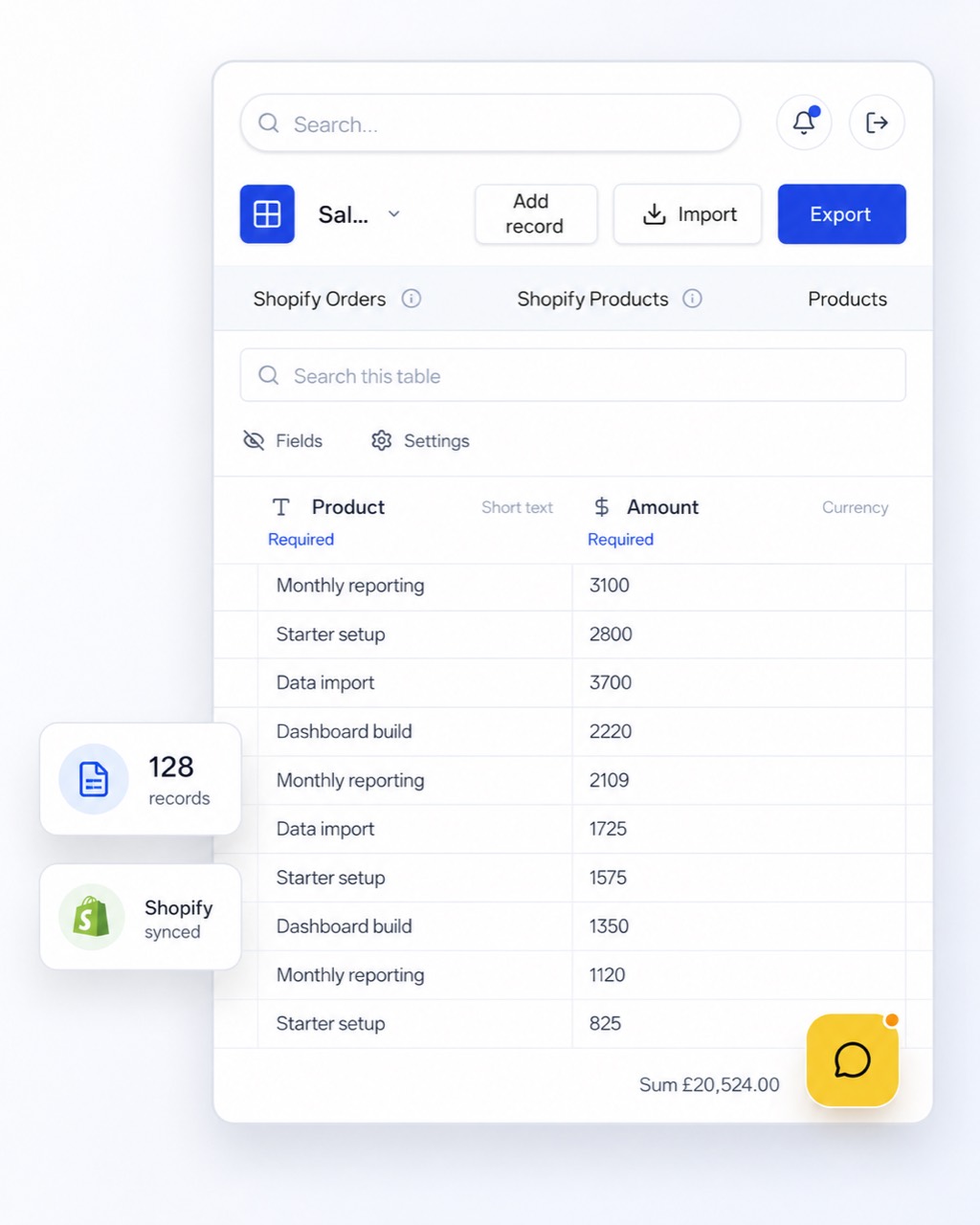
Start with the parts of your business you want to understand, then add records, collect new information and review the numbers in simple dashboards and reports.
Sign up, create or join a workspace, then choose the business area you want to organise first.
Create tables for customers, sales, costs, jobs, bookings, projects or anything else your business needs.
Open a table and use Add record to enter information in a simple floating form-style panel.
Bring in spreadsheet data with CSV import, or create forms that send submissions straight into tables.
Use simple summaries and plain-English reports once your workspace has useful data in it.
Ari helps suggest tables, dashboards and reports through a guided conversation.
Datro brings everyday inputs into tables, then turns those records into dashboards, reports and practical next steps.
Contact forms, quote requests and customer updates.
Create new tables or append rows from sheets automatically.
Sales, jobs, appointments, costs and payments added directly inside tables.
Track sales, customers, costs and activity in one clear view.
Generate summaries people can actually read.
Spot gaps, follow up faster and reduce guesswork.
Datro is not trying to be a blank enterprise platform. It is designed to feel familiar to people who have used spreadsheets, while giving them more structure as the business grows.
Start with simple tables, add or import data and build a clearer view of your business.
Start 7-day trial for £1